Know who to follow up
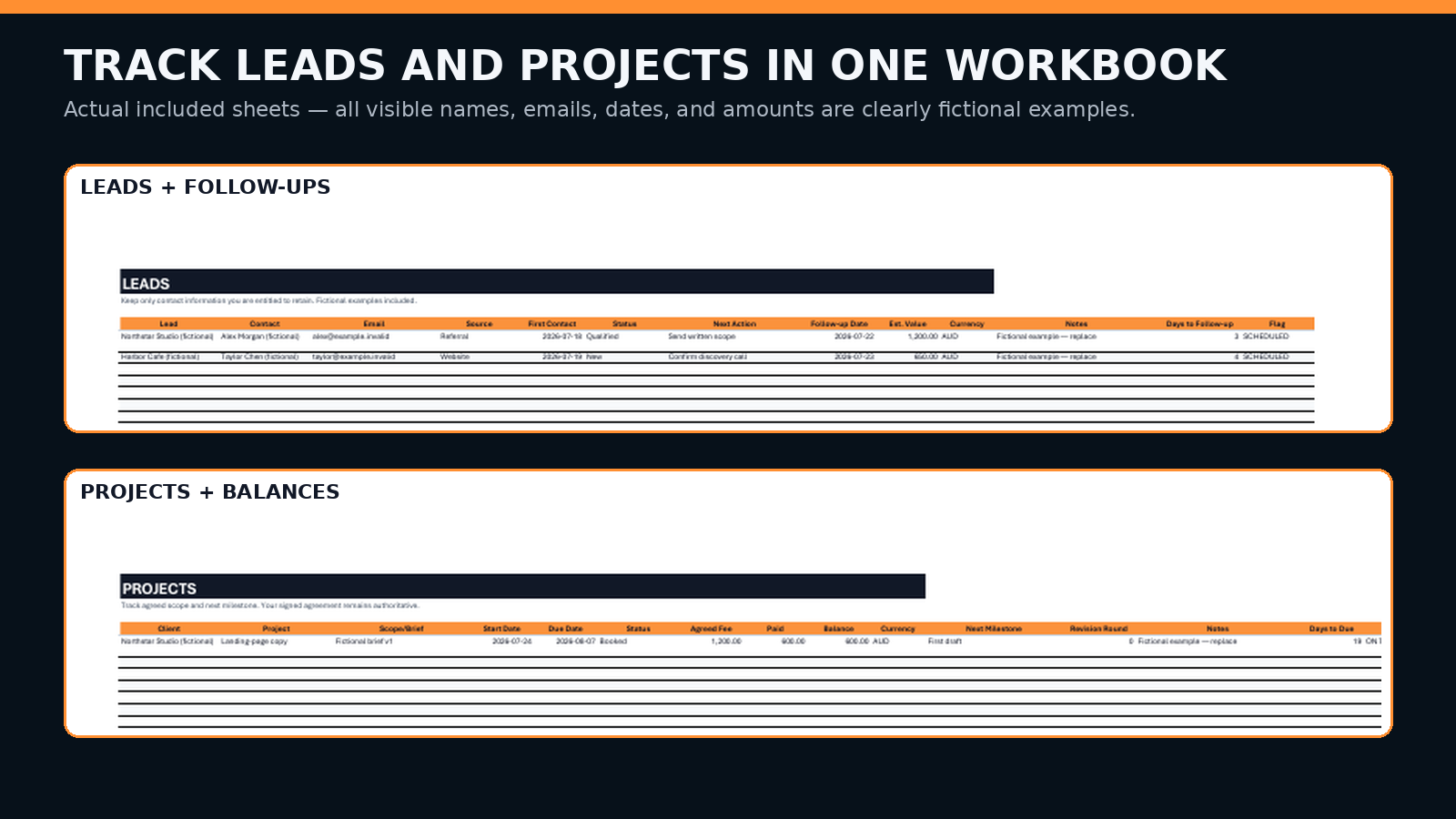
Track contact, source, service, status, next action, and follow-up date.
Put one lead, one scoped project, and one invoice into a simple editable system in about 10 minutes—without buying a full business dashboard.
Start small on purpose. This pack organizes client admin. It does not replace contracts, accounting software, professional advice, or authoritative payment records.
The pack links four ordinary admin jobs so the next action does not disappear between a chat thread, a blank document, and an invoice.
Track contact, source, service, status, next action, and follow-up date.
Capture deliverables, exclusions, revisions, timing, fee, currency, and payment terms.
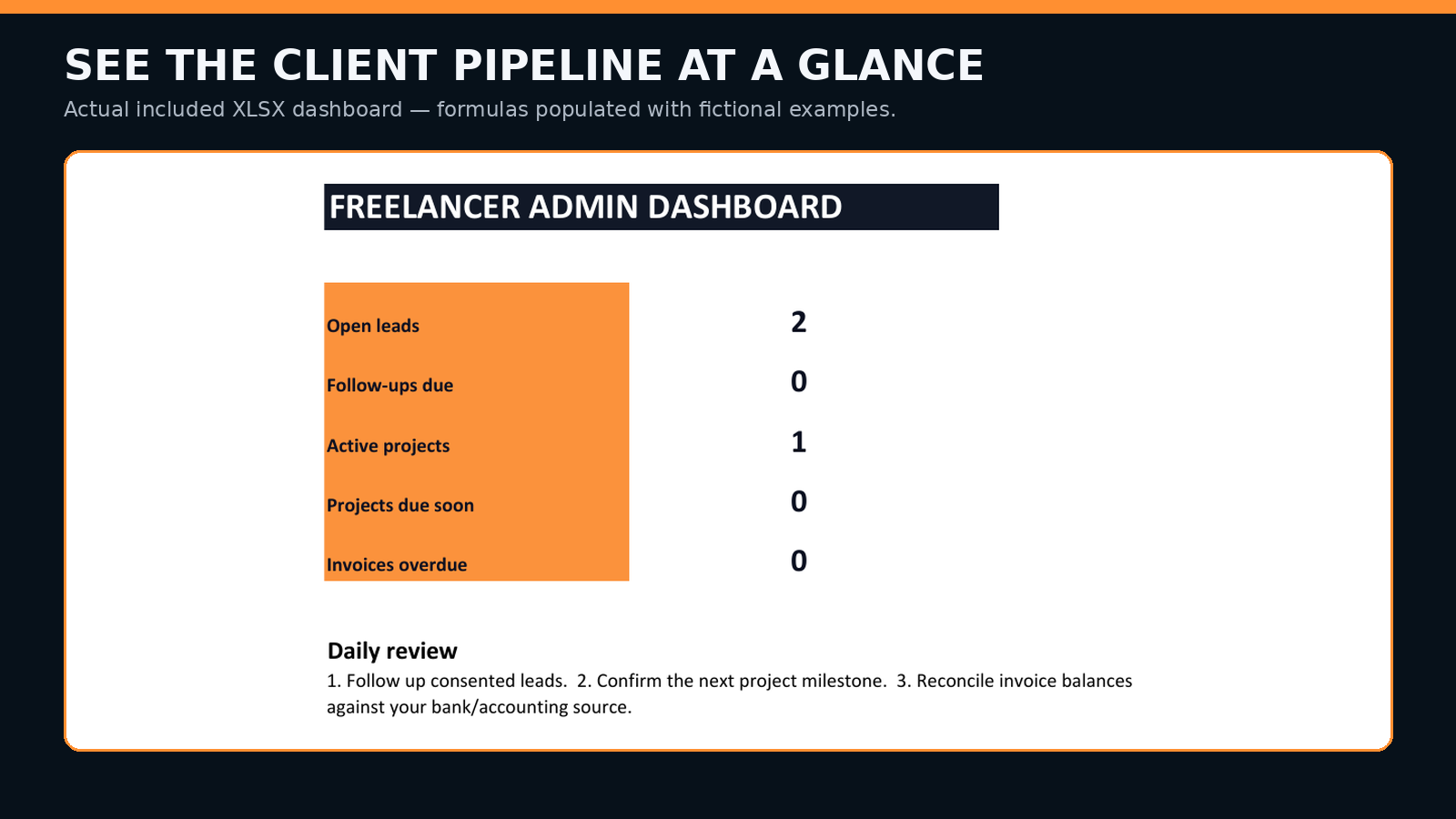
Track project status, due date, milestone, fee, paid amount, and remaining balance.
Log invoice date, due date, status, payment date, and follow-up without calling it accounting.
01 open START HERE
02 delete fictional examples
03 add one consented lead
04 set one next action + date
05 confirm scope in writing
06 track milestone + due date
07 check local invoice requirements
08 reconcile payment against your bank or accounting source
You need a repeatable place for leads, agreed scope, delivery dates, invoices, and follow-ups.
You prefer editable local files over a recurring dashboard subscription.
You need automated bookkeeping, tax advice, contract advice, debt collection, payroll, or multi-user permissions.
Use the pack to organize work. Keep signed agreements, bank records, accounting records, tax records, and applicable legal requirements authoritative.
The pack does not guarantee leads, clients, on-time delivery, payment, collections, compliance, revenue, or any business outcome.
Check local invoice, tax, privacy, contract, business-identifier, and record-keeping requirements before client use.
Email support with the order details and mismatch. Gumroad rules, the listing shown at purchase, applicable terms, and non-waivable consumer rights govern refunds.
Start with one lead, one written scope, one project milestone, and one invoice record. Expand only when the work actually needs more.
Get the admin kit — US$5