Track the next decision—not every possible detail.
A useful freelancer client tracker answers six questions: Who needs a reply? What did we agree? What happens next? When is it due? What was invoiced? What is still unpaid?
More columns do not create more control. Start with fields that change your next action. Add complexity only when repeated work proves you need it.
Six steps for a small freelance pipeline.
Capture one consented lead
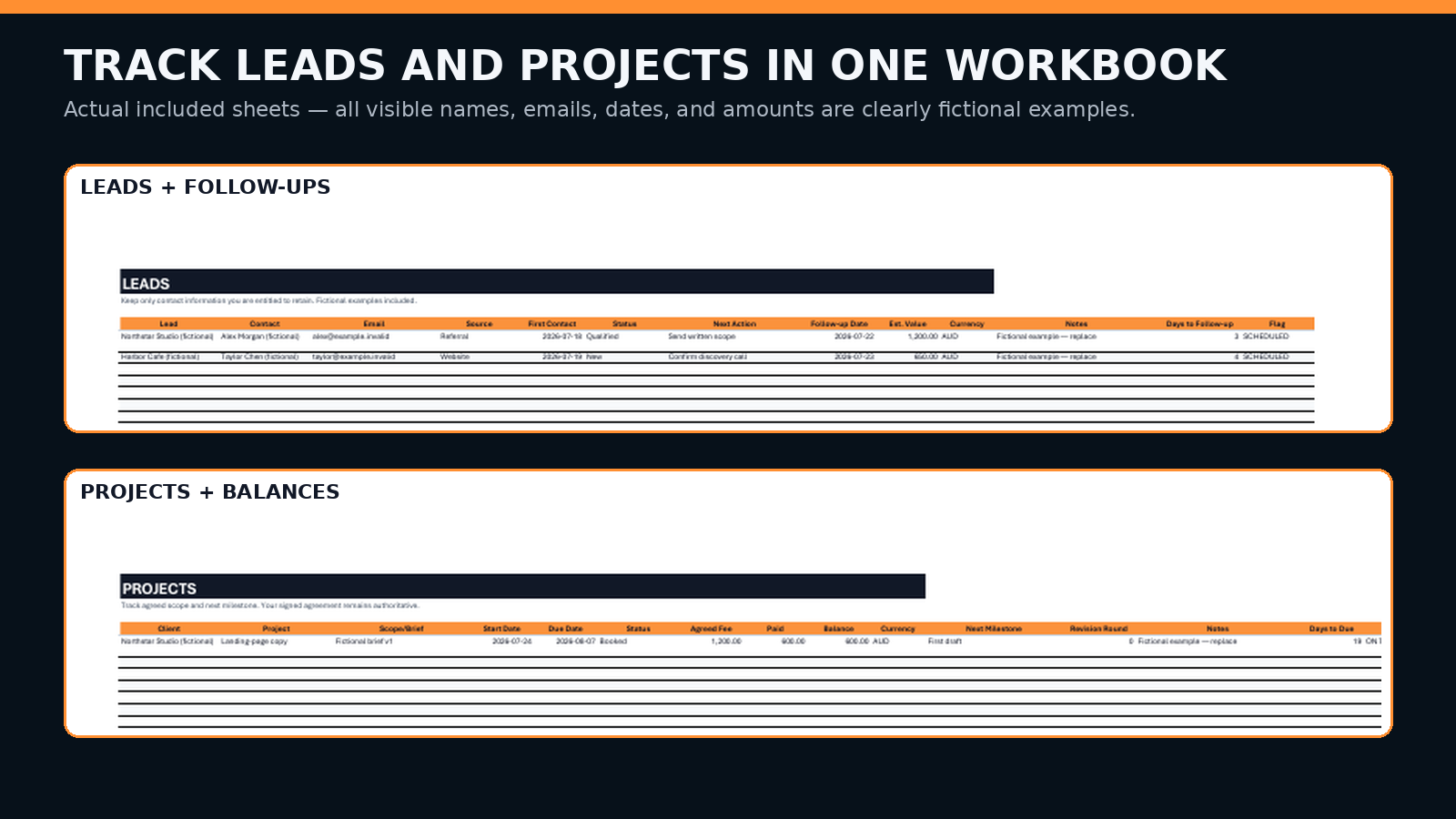
Record only details you are allowed to keep. Add the service requested, current status, one next action, and one follow-up date.
Use a short status vocabulary
Choose a small set such as New, Replied, Discovery, Quoted, Won, Lost, or Paused. Consistent statuses make a weekly scan useful.
Write the scope outside chat
Move deliverables, exclusions, revisions, timing, fee, currency, and payment terms into a reviewable written record before delivery begins.
Track one next milestone
Keep the current milestone and due date visible. Avoid turning the tracker into a second project-management system.
Separate sent from paid
Record invoice sent date, due date, status, payment date, and follow-up. Reconcile payment against your bank or accounting source.
Run a ten-minute weekly review
Scan overdue follow-ups, missing written scope, slipping milestones, open invoices, and records that need reconciliation or deletion.
Each row should point to one next action.
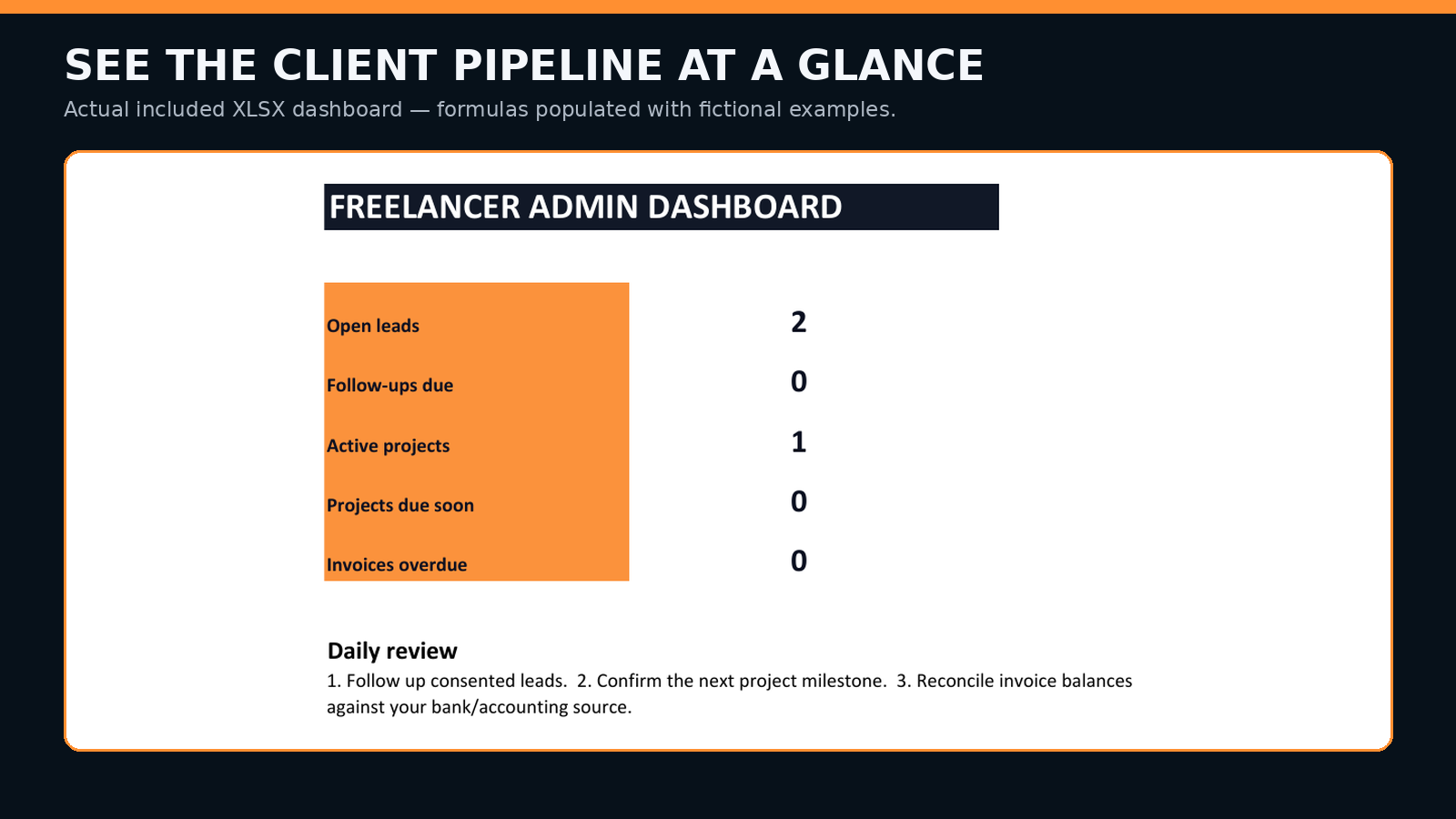
Use the tracker as an exception list. A lead without a next action, a project without a milestone, or an invoice without a status is the signal to fix—not a reason to add another dashboard.
Upgrade when coordination—not novelty—requires it.
A local spreadsheet can fit one operator with a small client pipeline. Consider a proper CRM, project-management platform, or accounting system when multiple people edit records, permissions matter, automation must be reliable, audit history is required, or authoritative financial workflows are involved.
No guarantee of clients, payment, collection, compliance, revenue, or business outcome. Check local invoice, tax, privacy, contract, business-identifier, and record-keeping requirements.
Start with one lead, one scope, one milestone, and one invoice.
The Freelancer Client Admin Starter Kit packages the tracker, invoice template, CSV imports, client intake, project brief, quote, invoice checklist, and follow-up templates.
Inspect the full kit first Get the admin kit — US$5