Live speech, then a cleaner transcript
Omi Bluetooth LE audio is saved on the phone. Bundled Vosk provides live English drafts; Whisper refines saved recordings after capture stops. Phone-microphone fallback is an explicit choice.
Live words, saved audio and wearable controls. An offline Android companion that keeps transcription and recordings on your phone—not in someone else’s cloud.
App and GitHub name: NotTheOmiAIApp. Built by Michael Costea. Not affiliated with Omi or Based Hardware.
Android 8+ · English speech · Offline models included
Public preview, not a stable release. No iOS version.
Omi Bluetooth LE audio is saved on the phone. Bundled Vosk provides live English drafts; Whisper refines saved recordings after capture stops. Phone-microphone fallback is an explicit choice.
Calendar/day browsing, transcript search, playback and explicit WAV, RF64 or text export. Encrypted retained audio has a 15 GB quota; models and exports use extra space.
Manually choose Everyday, Meeting or Music profiles. Map press patterns to bookmarks, recording, media, phone shortcuts or a flashlight. Button-only standby stays connected without recording.
No PC relay, runtime model download or Internet permission. Audio and text use AES-GCM with an Android Keystore key. Optional notification vibrations use metadata, not message text.
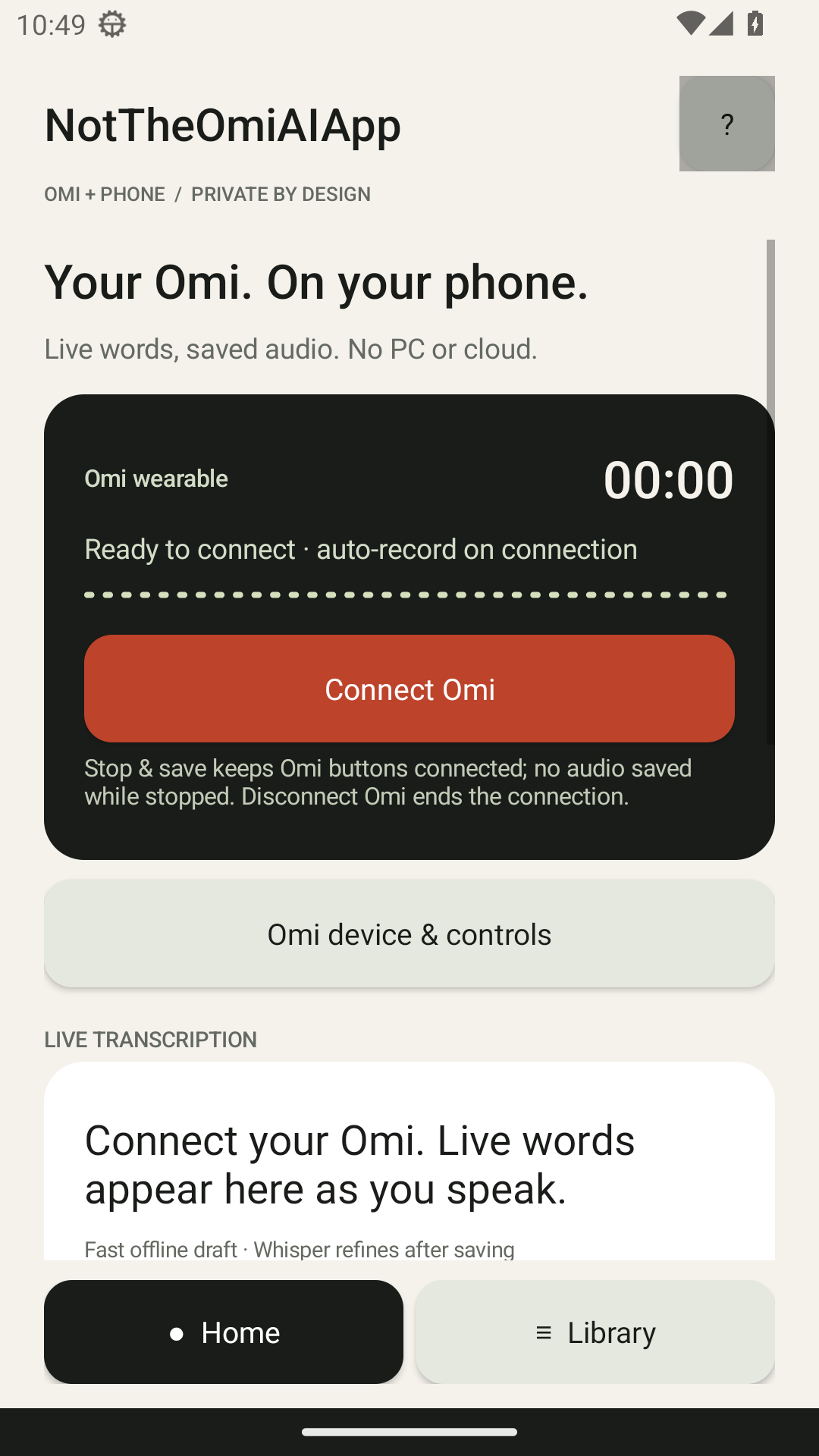
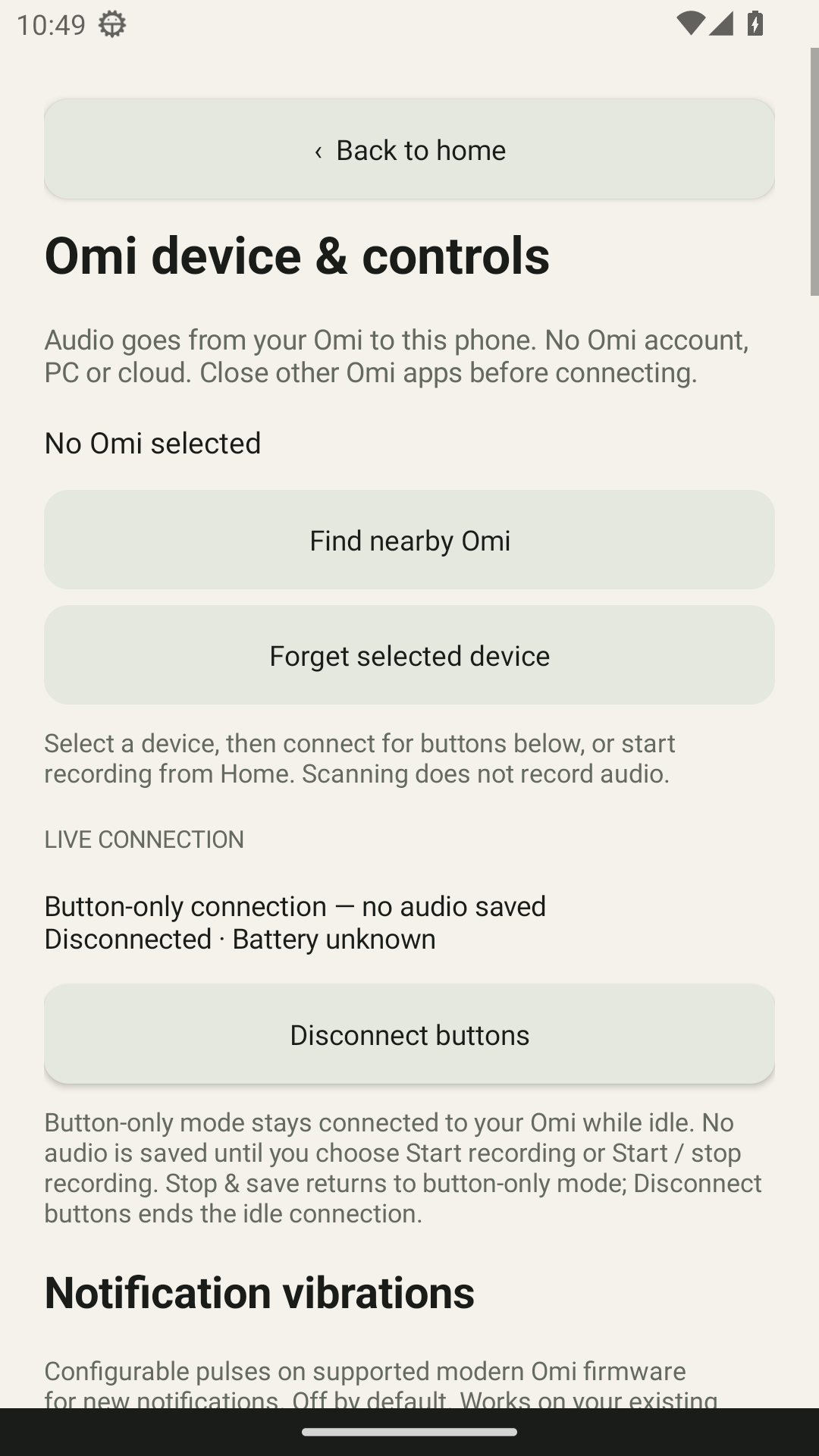
Actual Android system captures from the v0.4.13 test emulator—not mockups. Both show a disconnected, empty state. Tap either image for the full-resolution PNG.
Stack: Android · Java/JNI · Bluetooth LE / Opus · Vosk · whisper.cpp · Android Keystore · AES-GCM · Gradle.
This downloadable app is separate from the older Omi Private / Hermes Voice Bridge experiment on the project shelf. It does not need a paired PC or Hermes relay.
app.nottheomi.ai · 0.4.13 / build 20 · arm64-v8a0a391f6490c650ce9f20e2b112015e8737a910199656bc5b7b150b466693fd76Application source is MIT-licensed. Third-party models and native libraries retain their own licences, attached to the release.